Netriva icon Netriva VPN

Your Private
Vault &
Secure VPN

Keep sensitive files private with Secret Folder and browse securely with a built-in VPN. Face ID protection, one-tap connect — everything in one clean app.

3-day free trial Cancel anytime iOS App
Netriva VPN main app screen
Face ID Protected
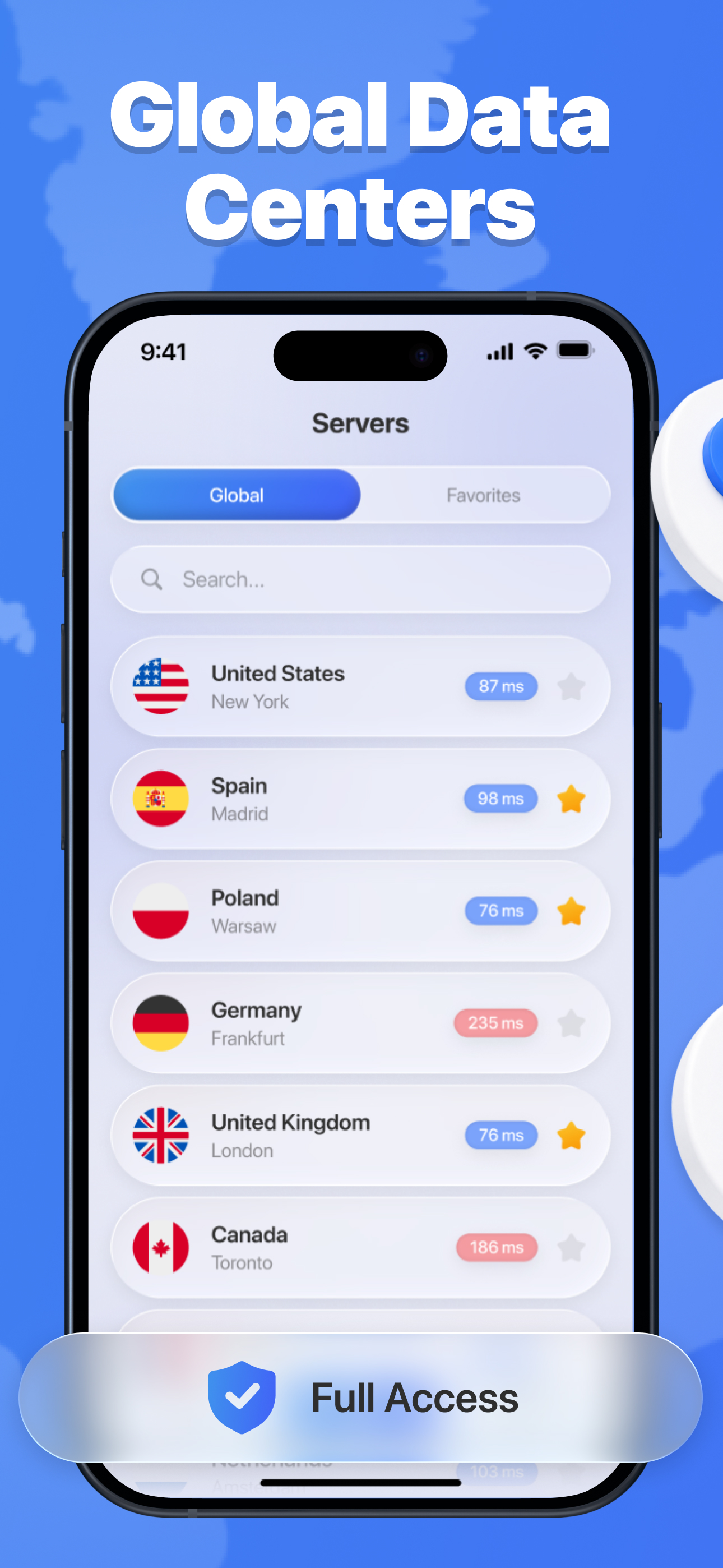
Global Server Network
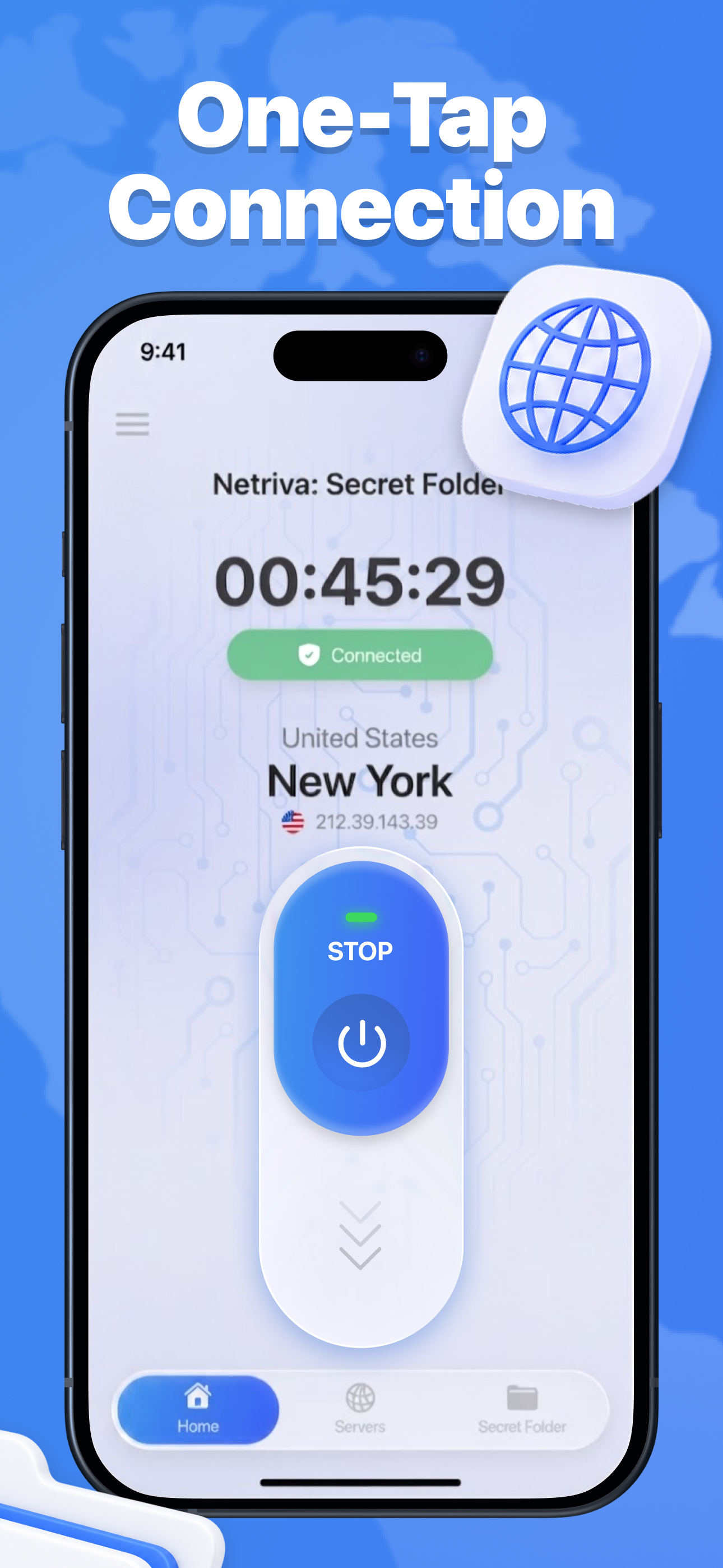
One-Tap Connect
Private & Secure
Photo & Video Vault
0
Day Free Trial
0
Flexible Plans
1tap
To Connect VPN

Everything You Need

A private vault for your files and a secure VPN for your connection — all in one beautifully simple app.

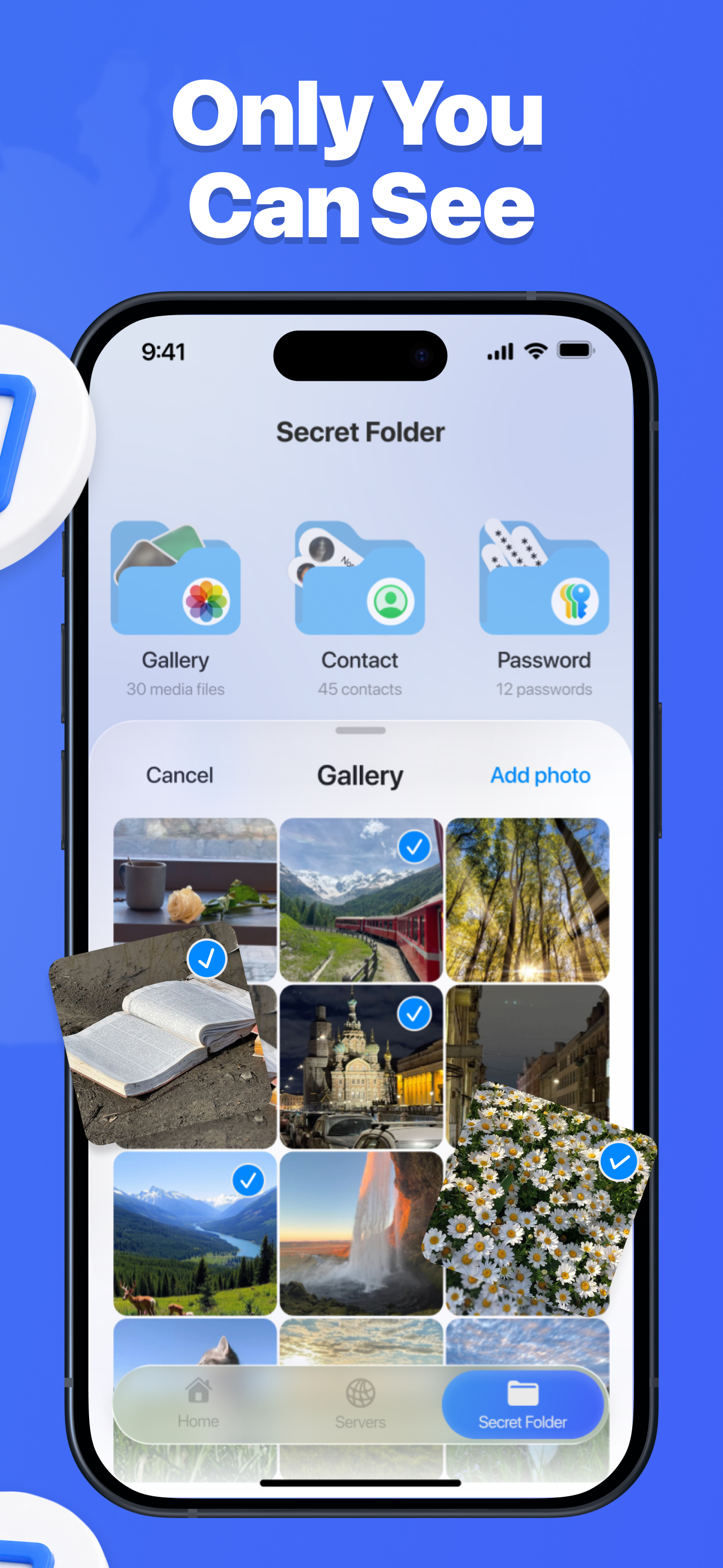
Secret Folder

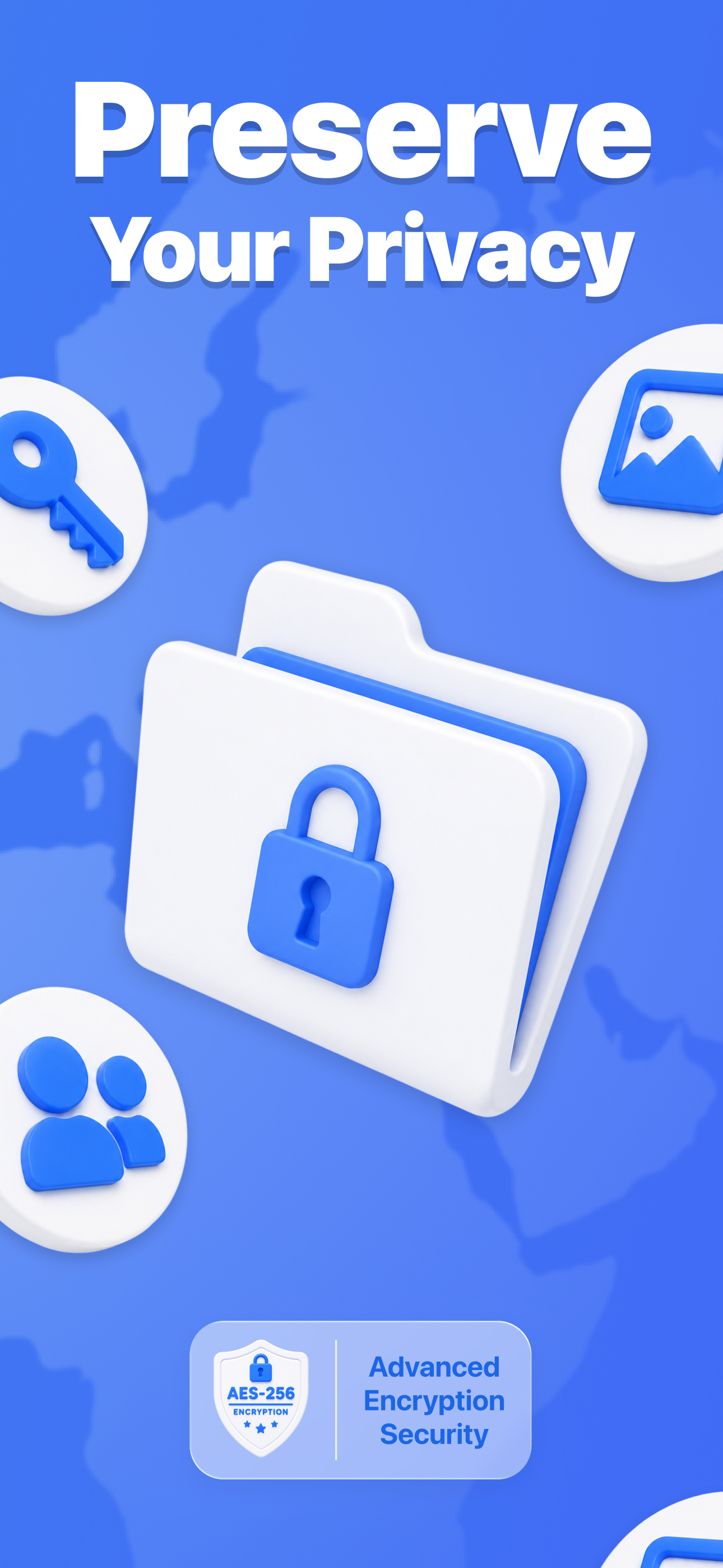
A private, authenticated space for sensitive photos, videos, and documents — completely separate from your everyday content.

Face ID & Passcode

Biometric authentication and passcode protection keep your private vault accessible only to you, on supported devices.

Photos, Videos & Docs

Store personal photos, private videos, and important documents — all organized and protected in your personal vault.

Secure VPN Connection

Browse with an extra layer of privacy. Fast, reliable servers worldwide for encrypted internet access whenever you need it.

One-Tap Connect

Connect to your VPN instantly with a single tap. Live connection status is shown directly on the main screen at all times.

Clean Interface

No complicated menus. No confusing setup. A simple, elegant interface that keeps you fully in control of your privacy.
See It In Action

Netriva Secret Folder screen
Netriva VPN connection screen
Netriva file storage screen
Netriva settings screen

Ready in Seconds

No complicated setup. No confusing menus.

1

Open Secret Folder

Launch Netriva and navigate to Secret Folder — your private, authenticated file vault, ready to go immediately.

2

Add Your Private Files

Import photos, videos, and documents you want to keep private and separate from your everyday content.

3

Protect with Authentication

Enable Face ID or set a passcode. Only you can access your personal vault — private and organized.

4

Connect VPN (Optional)

Choose a server location and tap Connect for extra online privacy. Your live connection status is always visible.

Simple Pricing

Start free. Cancel anytime through your Apple ID account settings.

Weekly
$6.99
per week
3-day free trial
  • ✓Secret Folder
  • ✓Secure VPN
  • ✓Face ID protection
Start Free Trial
Monthly
$17.49
per month
  • ✓Secret Folder
  • ✓Secure VPN
  • ✓Face ID protection
Get Started
BEST VALUE
6 Months
$64.99
per 6 months
  • ✓Secret Folder
  • ✓Secure VPN
  • ✓Face ID protection
Get Started
Annual
$94.99
per year
  • ✓Secret Folder
  • ✓Secure VPN
  • ✓Face ID protection
Get Started

Subscriptions renew automatically unless canceled at least 24 hours before the end of the current period. Manage anytime via Apple ID account settings.

Got Questions?

Secret Folder is a private, authenticated space within Netriva where you can store sensitive photos, videos, and documents away from your everyday content. It's protected by Face ID or a passcode on supported devices, so only you can access it.

Choose from available server locations, tap Connect, and enjoy an encrypted, secure connection. Live connection status is displayed on the main screen. Disconnect with a single tap whenever you're done.

Yes! The Weekly Premium plan includes a 3-day free trial. Explore all premium features at no cost. Cancel anytime before the trial ends and you won't be charged.

Manage or cancel your subscription anytime through your Apple ID account settings. Cancel at least 24 hours before the end of the current billing period to avoid the next charge.

Secret Folder supports photos, videos, and documents. Store personal memories, sensitive images, private videos, and important files — all in one secure, organized private space.

Start Your Private Vault Today

Download Netriva and keep your personal files private — with a secure vault and built-in VPN in one clean, intuitive app.

Download on the App Store